 Keet Support
Convert Incompatible Videos 🎞️
When a video may not play on all devices, Keet offers to convert it to a compatible version before you send it.
Why does Keet say a video may not play on all devices?
Some videos are recorded with a codec (commonly H.265 / HEVC) that isn't supported on every device or operating system. If a peer's device can't decode that codec, the video simply won't play for them.
Keet can't fix this on the receiving end, so instead it offers to convert the video to a widely compatible format before you send it - as long as your own device can play the video.
Conversion happens on your device before sending. Peers who already support the original codec aren't affected either way. 🎞️
Convert a video before sending
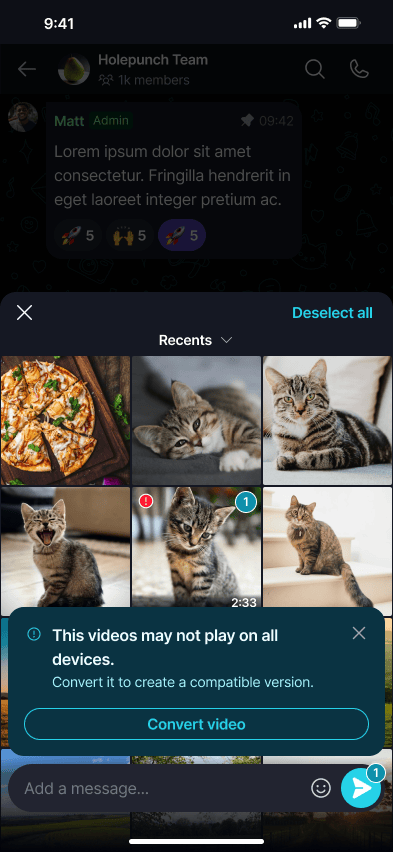
When you attach a video Keet has detected as potentially incompatible, a banner appears warning that the video may not play on all devices.
One incompatible video
Attach the video, then select 'Convert video' in the banner to create a compatible version.
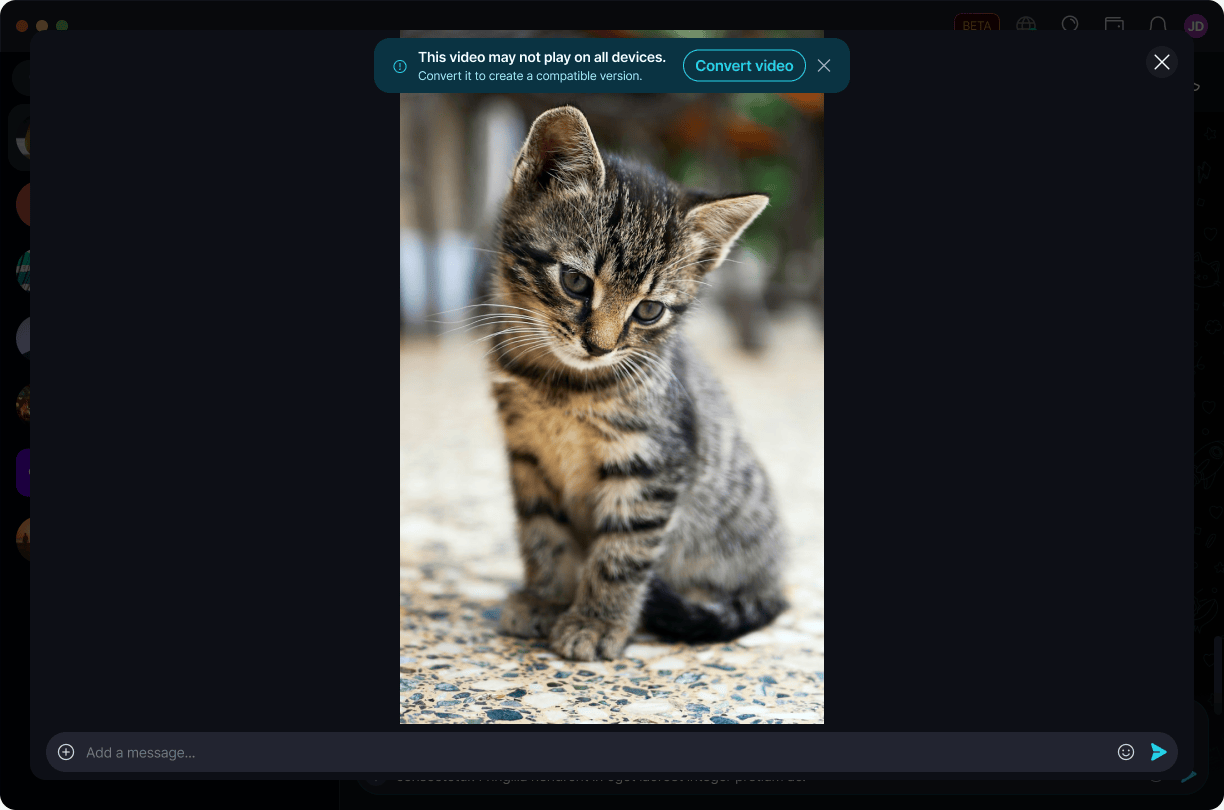
Select the video, then tap 'Convert video' in the banner to create a compatible version.
Multiple incompatible videos
If you attach several videos at once, affected ones are marked with a warning badge, and the banner covers all of them together.
Select 'Convert videos' to convert every flagged video at once.
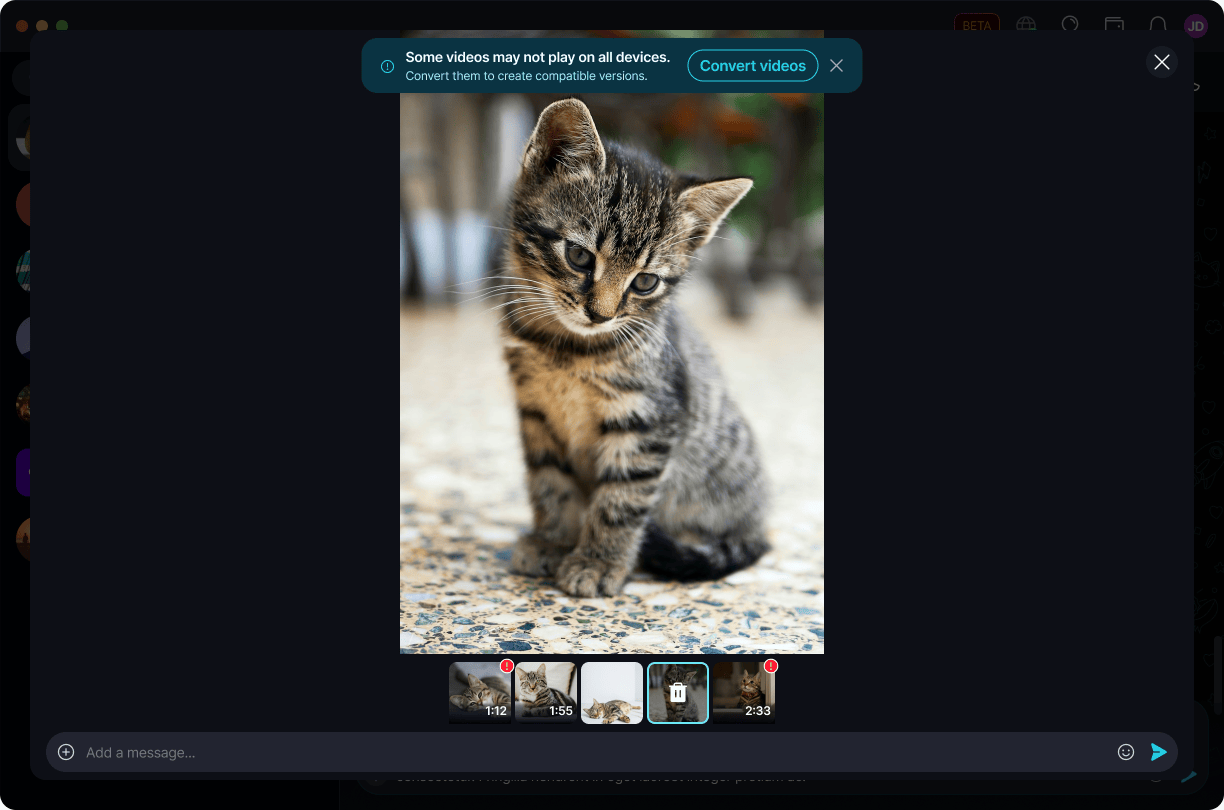
Tap 'Convert videos' to convert every flagged video at once.
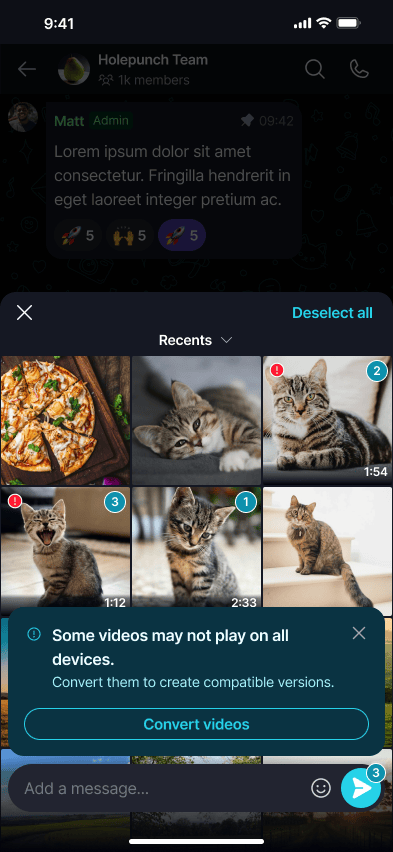
Don't want to convert? Dismiss the banner [X] and the video sends unaltered - peers whose devices support the original codec will still be able to play it normally.
While the video is converting
Keet shows a progress bar while it creates the compatible version. Larger or longer videos take longer to convert. Select 'Cancel' to stop.
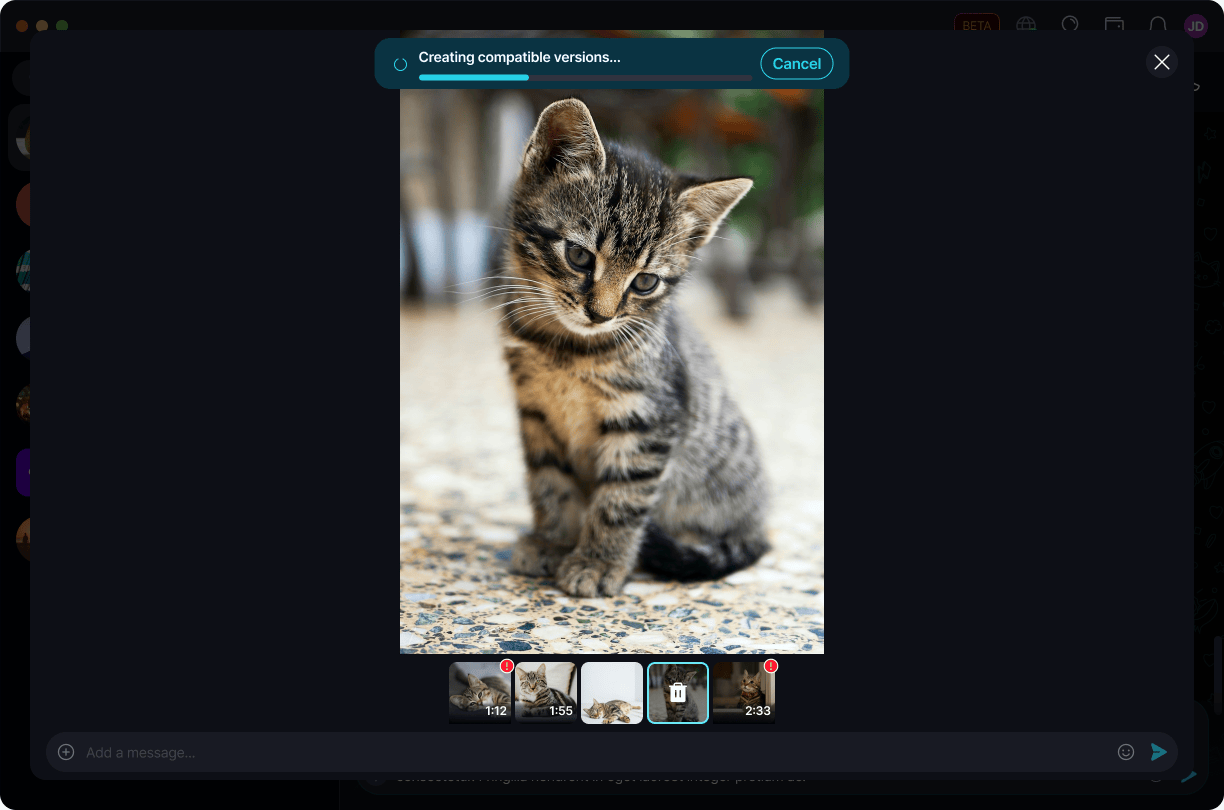
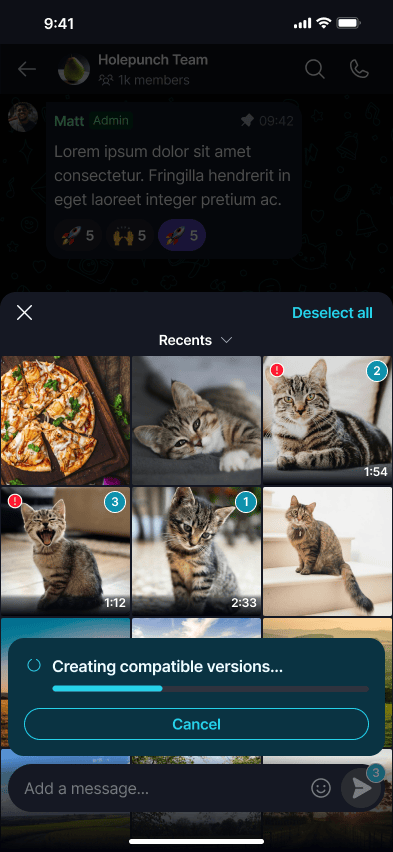
After conversion finishes
Once conversion succeeds, Keet confirms it and the compatible version is what gets sent.
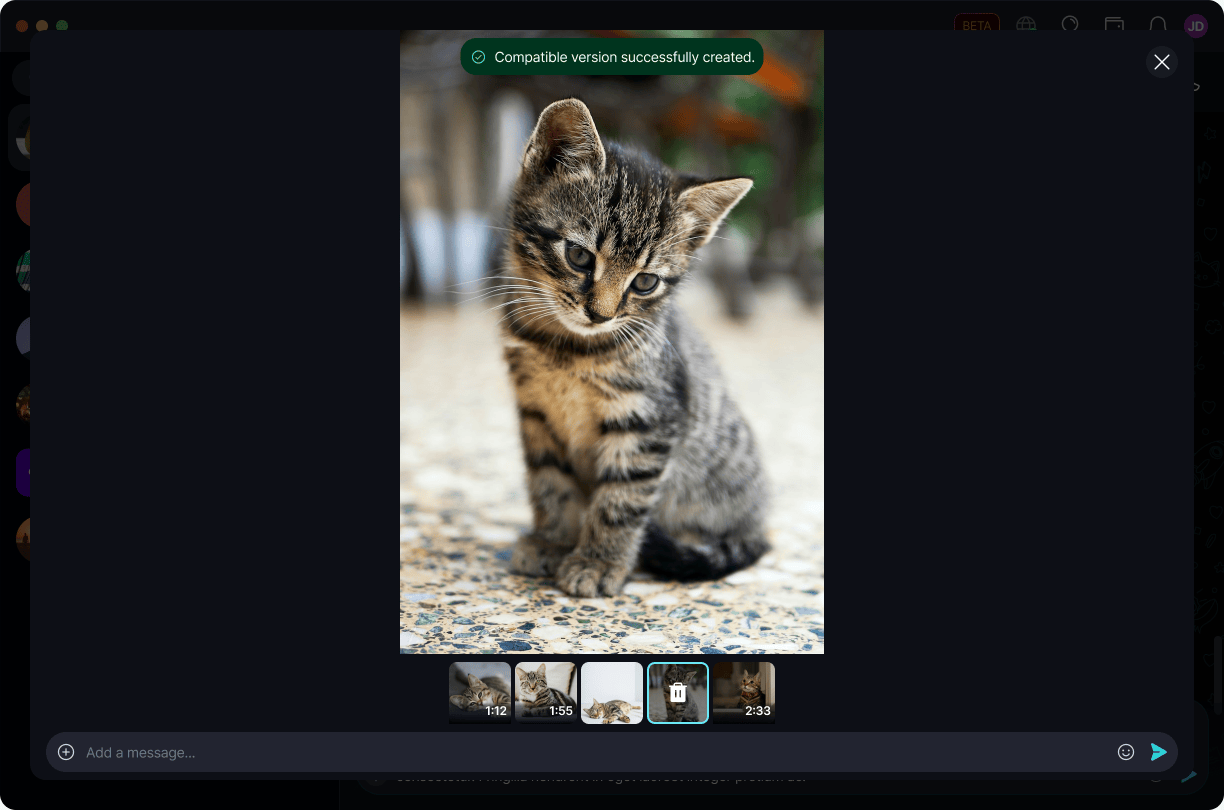
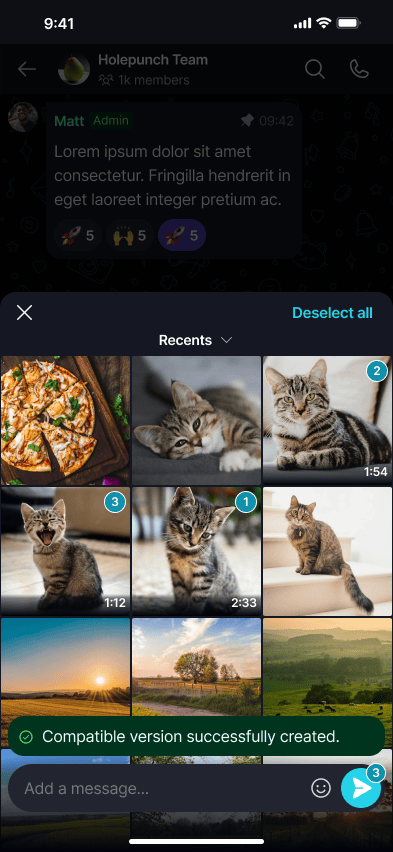
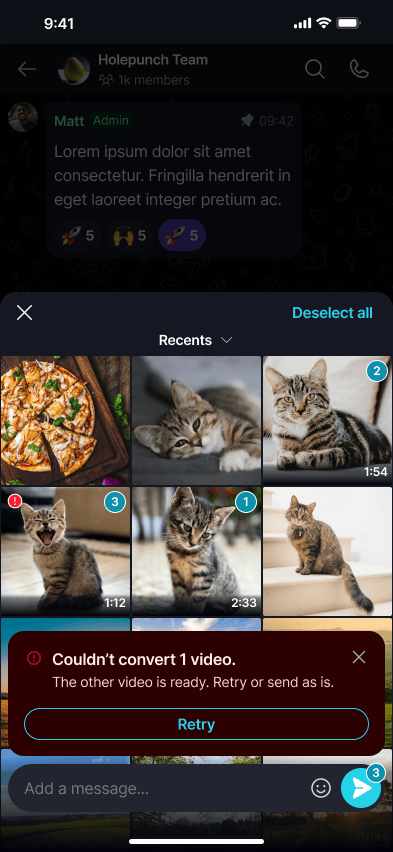
If conversion fails, Keet tells you which videos are ready and lets you retry the failed one or send it as is.
Select 'Retry' to try converting again, or dismiss the message to send the video unconverted.
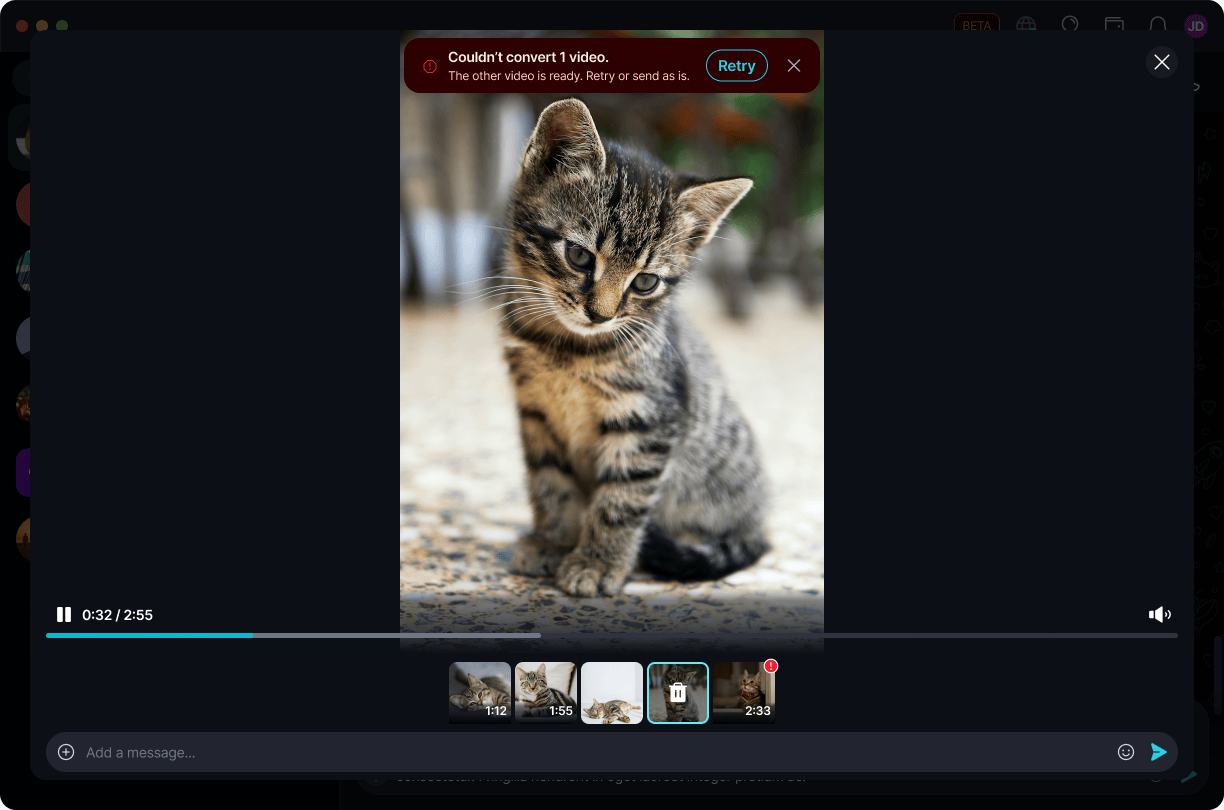
Tap 'Retry' to try converting again, or dismiss the message to send the video unconverted.
When a video is too large to convert
Some videos are too large for Keet to convert. When that happens, Keet lets you know, and you can send the video as is or compress it outside Keet and try again.
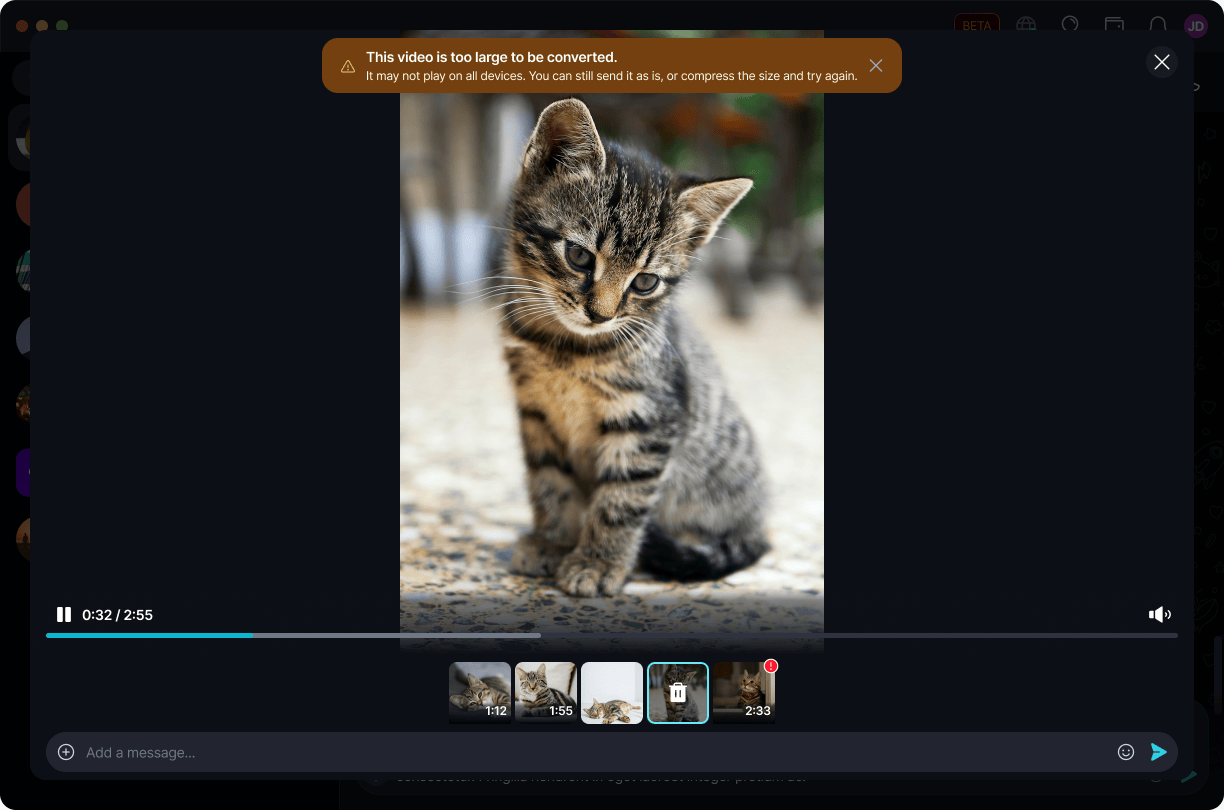
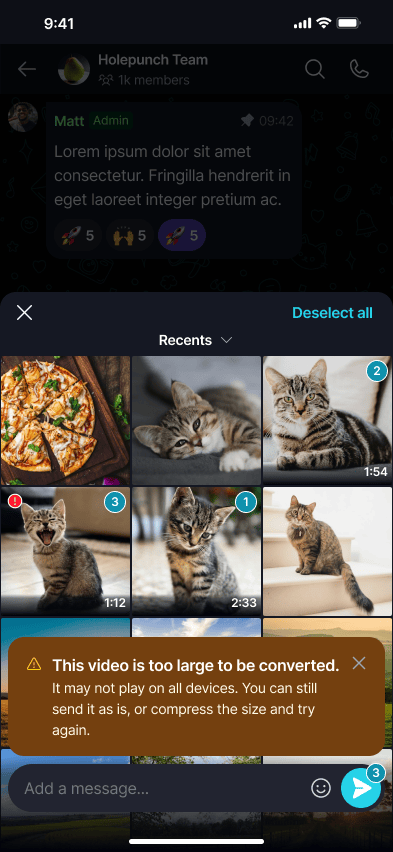
Sending a video without converting it doesn't break anything - it's simply not guaranteed to play on every peer's device. ⚠️
Having trouble playing a video someone sent you? See Video issues.